
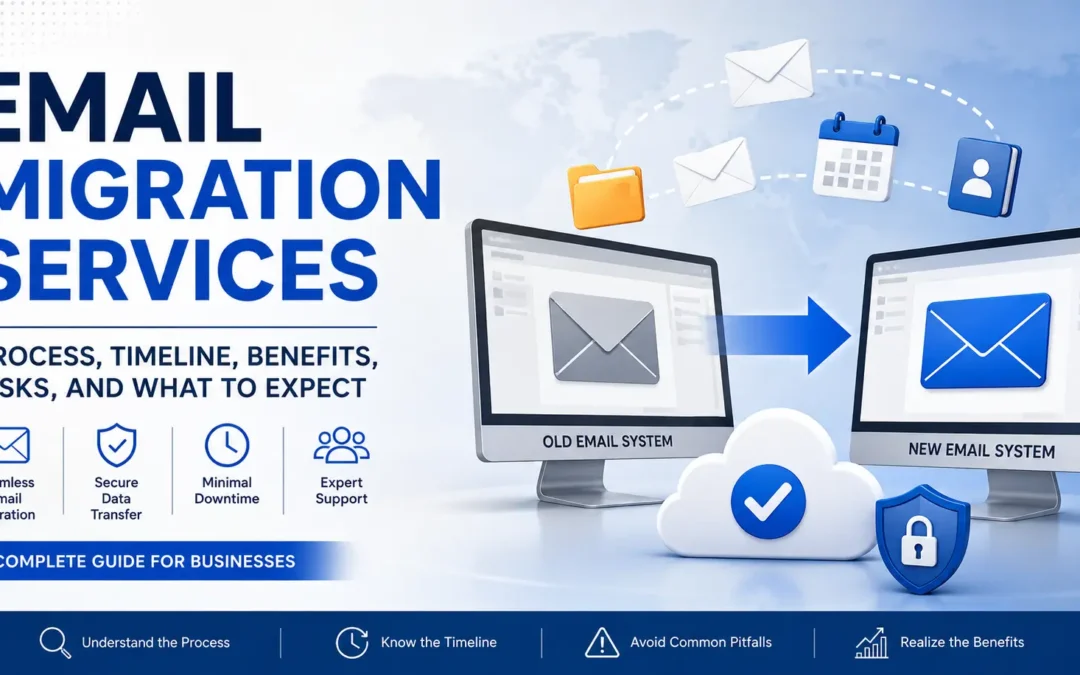
Email Migration Services Explained: Process, Timeline, Benefits, Risks, and What to Expect
Email is one of the most critical systems in any organization. It powers communication, stores business records, handles customer conversations, and connects calendars, mobile devices, and security systems.
Because of this, moving from one email platform to another is a major technical and operational project. Whether a company is upgrading to Microsoft 365, switching to Google Workspace, or consolidating systems, understanding email migration is essential to avoiding downtime and data loss.
What Are Email Migration Services?
Email migration services involve transferring email data from one platform to another while preserving structure, security, and continuity.
This typically includes:
- Email messages and folders
- Calendars and scheduling data
- Contacts and address books
- Shared mailboxes and permissions
- Email routing and DNS configuration
In many cases, migration also involves reconfiguring devices, authentication systems, and security policies.
Why Businesses Perform Email Migrations
1. Moving to Modern Cloud Platforms
Organizations often migrate from legacy systems to cloud platforms like Microsoft 365 or Google Workspace for improved reliability and scalability.
2. Security Improvements
Modern email platforms provide stronger protections including multi-factor authentication, encryption, and phishing detection.
Reference:
Microsoft Mail Flow Best Practices
3. Business Growth or Mergers
Email migrations are common during mergers, acquisitions, and company restructuring when systems need to be consolidated.
4. Reliability Issues
Older systems often suffer from downtime, performance issues, or storage limitations that make migration necessary.
Common Types of Email Migrations
Microsoft 365 Migration
One of the most common migrations involves moving into Microsoft 365 from Exchange Server or other providers.
Reference:
Microsoft Mailbox Migration Guide
Google Workspace Migration
Businesses may migrate into or out of Google Workspace depending on operational needs.
Reference:
Google Workspace Migration Help
IMAP Migration
IMAP migrations move email messages but often do not include calendars, contacts, or permissions.
Hybrid Migrations
Hybrid migrations combine on-premise Exchange servers with cloud environments during transition periods.
The Email Migration Process
1. Discovery and Assessment
- Mailbox inventory
- Data size review
- DNS configuration analysis
- Security and compliance review
2. Planning and Preparation
This phase includes scheduling, account setup, DNS preparation, and user communication.
3. Testing
Small-scale migrations are tested to ensure mail flow, authentication, and synchronization work correctly.
4. Data Migration
Email data is transferred in batches or full migrations depending on system size and complexity.
5. DNS Cutover
DNS records such as MX, SPF, DKIM, and DMARC are updated to route email to the new system.
Reference:
Microsoft DNS Setup Guide
6. Device Reconfiguration
Users may need to reconnect Outlook, mobile devices, and third-party applications.
7. Post-Migration Validation
Final testing ensures email delivery, calendars, permissions, and authentication are working correctly.
How Long Does an Email Migration Take?
Email migration timelines vary widely based on:
- Number of users
- Mailbox sizes
- Network bandwidth
- Platform complexity
- Security requirements
Small migrations may take a single day, while larger enterprise migrations can take weeks.
What to Expect During Migration
Most modern migrations aim to minimize downtime, but users may still experience:
- Temporary Outlook disconnections
- Mobile reconfiguration prompts
- Delayed email synchronization
- Login prompts or authentication resets
Common Email Migration Problems
Incomplete Data Transfer
Some migrations may not transfer calendars, contacts, or permissions correctly.
DNS Misconfiguration
Incorrect DNS settings can cause email delivery failures or spam issues.
Reference:
DMARC Email Authentication
Authentication Issues
Modern systems often require MFA and conditional access policies that older apps may not support.
Mobile Device Issues
Phones and tablets often need to be manually reconfigured after migration.
Large Mailbox Performance Problems
Very large mailboxes can slow migration performance or cause sync delays.
Security and Compliance Considerations
Email migrations must account for:
- Data encryption
- Retention policies
- Legal compliance requirements
- Access control policies
- Audit logging
Cutover vs Staged Migration
Cutover Migration
All users are migrated at once. Faster but riskier.
Staged Migration
Users are migrated in phases. More controlled and scalable for larger environments.
Before Migration Checklist
- Audit all mailboxes
- Verify backups
- Test authentication systems
- Check DNS access
- Notify users
Post-Migration Checklist
- Verify email delivery
- Test mobile devices
- Confirm calendar sync
- Validate shared mailboxes
- Check security settings
Benefits of Professional Email Migration Services
Professional migration services help reduce risks such as downtime, data loss, and misconfiguration. They also ensure DNS, authentication, and security settings are properly configured.
In most business environments, email is mission-critical, making proper execution essential for continuity.
Frequently Asked Questions (FAQ)
What is email migration?
Email migration is the process of moving email data from one system or provider to another.
How long does email migration take?
It can take anywhere from a few hours to several weeks depending on size and complexity.
Will I lose emails during migration?
No, if properly executed. However, poor planning can result in missing data.
Can users still work during migration?
Yes, most modern migrations allow continued access with minimal disruption.
Why do DNS records need to change?
DNS records control where email is delivered and must be updated to point to the new system.
What is the difference between IMAP and Microsoft 365 migration?
IMAP only transfers email messages, while Microsoft 365 migrations can include calendars, contacts, and permissions.
Do mobile devices need to be updated?
Yes, mobile devices often require reconfiguration after migration.
Is email migration risky?
It can be if poorly planned, but risks are minimized with proper preparation and testing.
Final Thoughts
Email migration is a complex process involving data transfer, security configuration, DNS management, and user adaptation. When executed properly, it improves performance, security, and long-term reliability.
Whether moving to Microsoft 365, Google Workspace, or another platform, careful planning and structured execution are key to success.
About EMNM
EMNM provides professional Email Migration Services, ongoing Email Migration Support, and Managed Email Administration Services for businesses looking to improve reliability, security, and day-to-day email operations. Learn more about EMNM’s business email solutions at EMNM Email Migration Services.
Recent Comments