
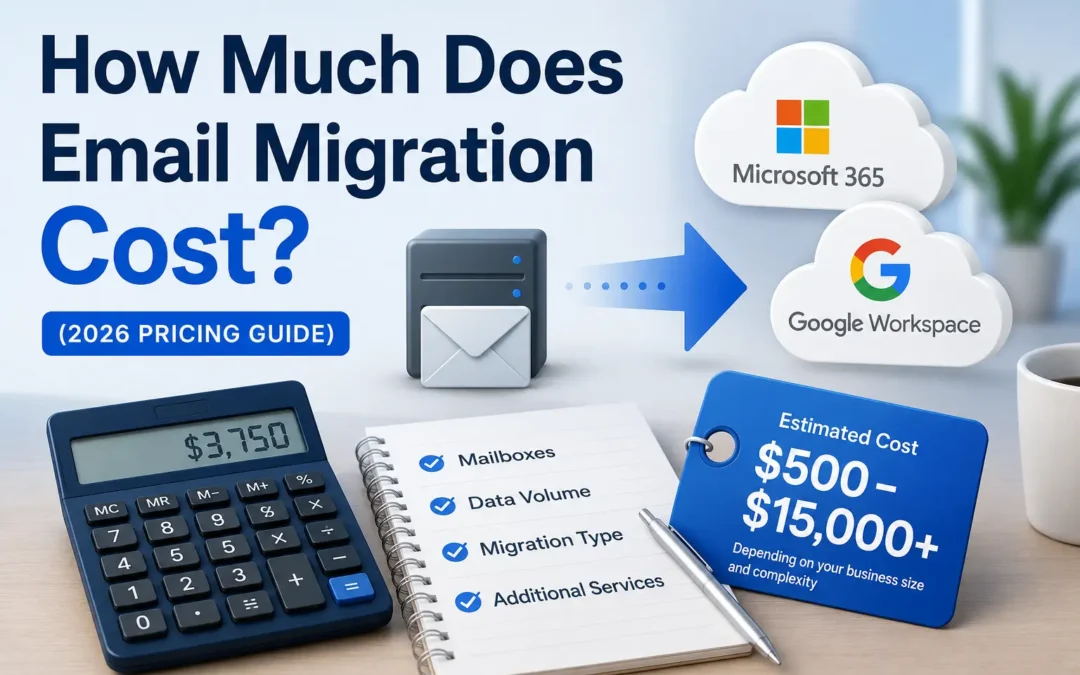
If you’ve been thinking about migrating your business email to Microsoft 365 or Google Workspace, one of the first questions you probably have is: what’s this going to cost me?
It’s a fair question, and an honest one. Email migration pricing isn’t always straightforward. The final number depends on how many mailboxes you have, where you’re moving from, how much data needs to transfer, and whether you hire professionals or attempt to do it yourself.
This guide breaks down what email migration actually costs in 2026, what factors drive the price up or down, and what to watch out for when you’re comparing quotes.
The Short Answer: What Does Email Migration Cost?
For most small businesses with fewer than 50 mailboxes, a professionally managed email migration typically costs between $500 and $5,000 total, depending on the complexity of the project.
For slightly larger businesses in the 50–200 mailbox range, expect to budget anywhere from $1,500 to $8,000 for a full-service migration.
Here’s a quick reference table to get oriented:
| Business Size | Estimated Mailboxes | Typical Migration Cost |
|---|---|---|
| Very small business | 1–10 users | $300 – $1,500 |
| Small business | 10–50 users | $750 – $3,500 |
| Growing business | 50–150 users | $2,000 – $6,000 |
| Mid-sized business | 150–500 users | $5,000 – $15,000+ |
These are general estimates. Your actual cost will depend on several factors we’ll cover below.
Looking for the exact price of your email migration? Contact the team at EMNMS for a detailed breakdown of price and project scope
What Affects the Cost of Email Migration?
No two email migrations are priced exactly the same. Here are the key factors that push costs higher or lower.
1. Number of Mailboxes
The most obvious cost driver is how many email accounts need to be migrated. Most professional migration services price on a per-mailbox basis, and many use a sliding scale, the more mailboxes you have, the lower the cost per mailbox.
For smaller businesses migrating 10 mailboxes or fewer, per-mailbox pricing can run anywhere from $50 to $100 per mailbox. As volume increases, that rate typically drops significantly.
One thing many business owners don’t account for: it’s not just your active user mailboxes that count. Shared mailboxes, resource mailboxes (like a conference room calendar), and archived mailboxes from former employees may all need to be included in the migration scope, and some providers charge for each one.
2. Where You’re Migrating From
The platform you’re leaving has a significant impact on complexity and cost. Some migrations are relatively straightforward; others require specialized tools and extra configuration.
Here’s a rough comparison:
- cPanel or web hosting email → Microsoft 365 or Google Workspace: Generally among the simpler migrations. These are IMAP-based environments and most professional tools handle them cleanly.
- GoDaddy email → Microsoft 365: Similar to cPanel migrations. Usually straightforward for small businesses.
- Google Workspace → Microsoft 365 (or vice versa): Slightly more complex due to platform differences, particularly around calendars and shared drives.
- On-premises Exchange Server → Microsoft 365: One of the more involved migrations, especially for older Exchange versions. More configuration, more validation steps, more potential for unexpected issues.
- Legacy systems (Lotus Notes, Zimbra, older hosted Exchange): The most complex and expensive category. Expect custom work and higher costs.
3. Data Volume and Mailbox Size
The total amount of data being migrated affects both the time required and the cost. A small business with 15 users but 10+ years of email history and large mailboxes will take longer — and cost more — to migrate than a newer business with the same number of users and less data.
Some providers charge additional fees for mailboxes that exceed a certain size threshold (often 10 GB per mailbox). If several of your users have very large mailboxes, this is worth asking about upfront.
4. Migration Method: Cutover, Staged, or Hybrid
The approach used to execute your migration also affects pricing:
- Cutover migration — Everything moves at once over a weekend or short window. This is the simplest and typically least expensive approach. Best for smaller businesses.
- Staged migration — Mailboxes are moved in batches over days or weeks. More management overhead, but less disruption risk for larger teams.
- Hybrid migration — Your old system and new system run simultaneously for an extended period. The most complex and expensive method, typically used by larger organizations.
For most small businesses, a cutover migration is the right call, and the most affordable one.
Cutover vs. Staged Email Migrations
5. Platform Licensing Costs
Migration service fees are separate from your ongoing platform costs. Before your emails can be migrated to Microsoft 365 or Google Workspace, you’ll need active licenses for your users.
As a reference point for 2026:
Microsoft 365 Business Plans (per user/month):
- Business Basic: ~$6
- Business Standard: ~$12.50
- Business Premium: ~$22 (includes advanced security — recommended for most businesses handling sensitive data)
Google Workspace Plans (per user/month):
- Business Starter: ~$7
- Business Standard: ~$14
- Business Plus: ~$22
Licensing is an ongoing monthly cost that continues after the migration is complete, not a one-time fee. Make sure to factor this into your total budget.
6. Additional Services
A full-service email migration often includes more than just moving data from Point A to Point B. Depending on what’s included in your provider’s scope, you may also be paying for:
- DNS configuration — Updating your mail records (MX, SPF, DKIM, DMARC) so email routes correctly to your new platform
- Security setup — Configuring multi-factor authentication (MFA), anti-phishing policies, and other security settings in your new environment
- User account setup — Creating and configuring accounts in the new platform
- Post-migration support — Help for your team in the days after go-live
- Mobile device setup — Reconfiguring phones and tablets to work with the new email system
Some providers bundle all of this into a flat fee. Others price it separately. Always ask what’s included before signing anything.
Hidden Costs to Watch Out For
Even a well-planned migration can have surprise expenses if you’re not careful. Here are the ones that catch business owners off guard most often:
Archive mailboxes. If you have mailboxes from former employees that you’ve kept for record-keeping purposes, these often need to be migrated too — and some platforms treat them as separate, licensable mailboxes.
Public folders. If your current email environment uses public folders (common in Exchange setups), migrating them is a tedious, manual process that adds meaningful cost and time to the project.
Emergency support rates. If you attempt a DIY migration and run into trouble partway through, emergency professional assistance is significantly more expensive than hiring someone to do it right the first time.
Compliance and regulated industries. If your business operates in healthcare, legal, or financial services, you may need additional documentation, audit trails, or compliance-specific configurations during the migration. This can add 30–50% to the overall cost.
Downtime losses. A poorly executed migration can result in email downtime — sometimes for hours, sometimes longer. While this isn’t a direct fee, lost productivity and missed communications have real business costs.
DIY vs. Professional Email Migration: What’s the Real Cost Difference?
Many business owners consider attempting an email migration themselves to save money. In theory, Microsoft and Google both offer free tools for migrating email. In practice, “free” rarely stays free.
DIY migrations commonly result in:
- Missed archive mailboxes or shared mailboxes
- Misconfigured DNS that causes email to bounce or get flagged as spam
- Calendar sync errors
- Security settings left at defaults (leaving your business exposed)
- Significantly longer project timelines as your team figures things out on the fly
If your IT person has never managed an email migration before, your live production email environment isn’t the right place to learn. The cost of fixing a botched migration — in downtime, lost data, and emergency support — typically exceeds what professional help would have cost from the start.
What Does a Typical EMNMS Email Migration Include?
At EMNMS, we price migrations transparently with no surprise invoices. A standard migration project with us covers:
- Pre-migration discovery and assessment
- User mailbox migration (email, contacts, calendars)
- Shared mailbox and distribution group configuration
- DNS updates (MX, SPF, DKIM, DMARC)
- Security configuration in the new platform (MFA, anti-phishing policies)
- Post-migration validation and testing
- User support during and after cutover
We work primarily with Microsoft 365 and Google Workspace migrations for small and mid-sized businesses, and we handle everything — so you don’t have to coordinate between your hosting provider, your domain registrar, and your new email platform.
Contact us for a free migration assessment →
Frequently Asked Questions
Is email migration a one-time cost? Yes — the migration itself is a one-time project cost. Your ongoing expense is the monthly licensing fee for whichever platform you move to (Microsoft 365 or Google Workspace).
Will I lose any emails during migration? A professionally managed migration should result in zero data loss. This is one of the most important reasons to work with an experienced provider rather than attempting it yourself.
How long does email migration take? For a small business with under 50 mailboxes, a managed migration can often be completed over a single weekend. Larger or more complex environments may take longer. See our full guide on How Long Does Email Migration Take? for a detailed breakdown.
Do I need to renew my old email subscription before migrating? No. A good migration provider will time the cutover so you can cancel your old subscription as soon as the migration is complete and validated.
What if I’m on a tight budget? Talk to us. We work with businesses of all sizes and can help you understand what’s truly necessary for your situation versus what can be simplified or phased.
Summary: Email Migration Cost in 2026
Email migration costs vary widely, but for most small businesses the investment is modest — especially compared to the long-term benefits of a modern, secure email platform.
The key is knowing what you’re actually paying for. A low quote that doesn’t include DNS setup, security configuration, or post-migration support isn’t really a good deal. A transparent, fixed-price quote that covers the full scope is nearly always worth more than a per-hour estimate that can balloon as complications arise.
If you’re ready to get a clear picture of what migration would cost for your specific business, get in touch with EMNMS for a no-obligation assessment.
Related reading:
Recent Comments