
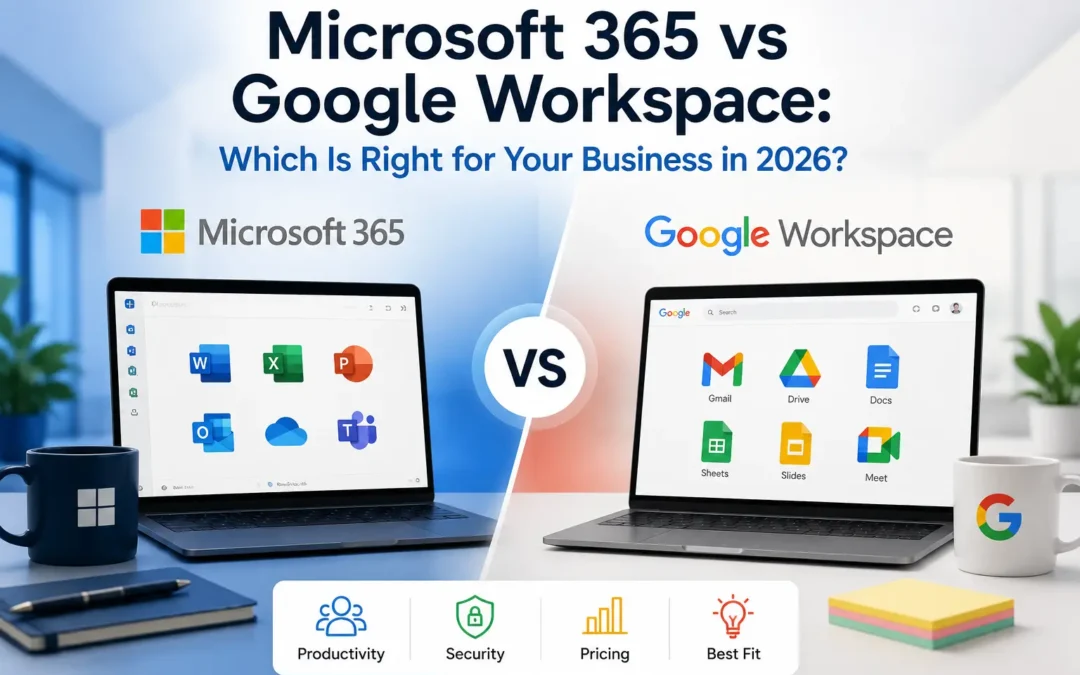
If you’re choosing a business email and productivity platform in 2026 or wondering whether you picked the wrong one three years ago, you’re not alone. This is one of the most common questions we hear from small business owners, and honestly, there’s no universal right answer. Both platforms run millions of businesses well. The right choice depends on how your team actually works, not on which one has better marketing.
This guide breaks down the real differences: current pricing (including Microsoft’s July 2026 price changes), features, security, and the scenarios where each platform wins. If you land on “we need to switch,” we’ll point you to the guides that walk you through it.
The Quick Answer
Choose Microsoft 365 if: your team relies on desktop Excel, Word, or PowerPoint for complex work; you operate in a regulated industry (legal, healthcare, financial services); you run Windows machines and want tighter device and identity management; or you want AI capabilities you can assign role-by-role instead of paying for everyone.
Choose Google Workspace if: your team is browser-first and collaborates on documents in real time constantly; you want simpler, flatter pricing with AI included by default; you’re a newer or leaner business without a dedicated IT admin; or your team already lives in Chrome and Google’s mobile apps.
Neither is “wrong.” Plenty of profitable, well-run small businesses operate happily on either platform. The mistake isn’t picking one, it’s picking one without understanding what you’re trading off.
Pricing: What Each Platform Actually Costs in 2026
Pricing is usually the first question, and 2026 makes it a moving target. Microsoft raised prices on most commercial plans effective July 1, 2026, its first major increase in several years.
Microsoft 365 Business Plans (per user/month, annual commitment, USD)
| Plan | Price (post–July 2026) | What You Get |
|---|---|---|
| Business Basic | ~$7–8 | Web and mobile Office apps only, Exchange email, Teams, 50GB extra mailbox storage added in 2026 |
| Business Standard | ~$14 | Everything in Basic, plus full desktop Office apps (Word, Excel, PowerPoint, Outlook) |
| Business Premium | $22 (unchanged) | Everything in Standard, plus advanced security, device management (Intune), and compliance tools |
A few things worth knowing about the July increase: Business Basic and Standard both went up. Basic by roughly 17%, Standard by roughly 12%, while Business Premium held flat at $22 per user per month (Microsoft 365 Plan Pricing). Existing customers keep their current rate until their next renewal after July 1, so if your renewal falls later in 2026, you may still be on old pricing for a while. In exchange for the increase, Microsoft added 50GB of extra mailbox storage to Basic and Standard, plus expanded Copilot Chat capabilities including inbox and calendar awareness and access to Word, Excel, and PowerPoint agents (Microsoft New Features).
Microsoft 365 Copilot, the deeper AI assistant, remains a separate add-on, priced around $21 per user per month for small businesses rather than being bundled into base plans.
Google Workspace Business Plans (per user/month, annual commitment, USD)
| Plan | Price | What You Get |
|---|---|---|
| Business Starter | ~$7 | Gmail, 30GB storage per user, Meet, Docs/Sheets/Slides, Gemini included |
| Business Standard | ~$14 | 2TB storage per user, larger meetings, Gemini included |
| Business Plus | ~$22 | Enhanced security, eDiscovery, more storage, Gemini included |
Google bundled Gemini into every paid Workspace plan, and that’s now fully baked in for 2026. AI is included at no extra line item, but you can’t opt out of paying for it even if only a few people on your team would actually use it.
The Real Cost Comparison
At the entry and mid tiers, the two platforms are now close enough on sticker price that pricing alone shouldn’t decide it for you. The interesting differences are what you get for the money at the top of the small business range, and how each company handles AI. Microsoft lets you assign Copilot to specific roles, while Google’s Gemini access is generally tied to which plan tier you’re on.
There’s also a hidden cost worth factoring in: tool sprawl. Google Workspace’s entry-level pricing looks attractive, but as requirements mature, many growing teams end up adding third-party tools around it — not just one, but multiple, for meetings, phone systems, scheduling, note-taking, e-signature, backup, and additional security layers. That’s not a knock on Google specifically — Microsoft has its own add-on costs too — but it’s why we always recommend pricing out your actual stack, not just the base subscription, before deciding.
Feature-by-Feature Comparison
Desktop Apps vs. Browser-First
This is the oldest and still most consequential difference. Microsoft 365 gives you the full desktop versions of Outlook, Excel, Word, and PowerPoint. If your team builds complex spreadsheets, runs heavy financial models, uses pivot tables and macros, or formats long detailed documents, nothing matches desktop Excel and Word, and the apps work offline and online. Google Workspace is browser-first by design.
If your bookkeeper, ops manager, or anyone doing serious financial modeling is on your team, this alone often settles the decision toward Microsoft.
Real-Time Collaboration
Google’s advantage here is real and well-earned. Google’s most credible strength is simultaneous real-time collaboration: multiple people editing the same document at exactly the same moment, with zero conflicts. Microsoft’s web apps have improved a lot, but multiple people editing the same doc simultaneously still works more smoothly in Google Docs than in Microsoft’s web apps. If your team collaborates heavily on documents in real time, Google’s experience is noticeably better.
Storage
Storage limits vary more than people expect. Google Workspace Business Starter limits storage to 30GB per user, which can be tight for teams handling large files, while Business Standard raises that to 2TB. Microsoft 365’s storage (1TB+ per user via OneDrive on most business plans) tends to be more generous at the entry tier.
Security and Compliance
For most day-to-day small businesses, both platforms are secure enough out of the box — the biggest risk factors are user behavior and configuration, not the platform itself. But there is a real gap at the deeper end. Google Workspace provides more basic, foundational security controls that are easier to manage but lack some of the advanced protection capabilities enterprises often need. Governance options are limited, with fewer native tools for advanced threat detection or unified endpoint management. Microsoft 365 delivers stronger security and management depth, while Google emphasizes simplicity over granular control.
If you’re in a regulated industry (legal, healthcare, financial services, government contracting) Microsoft 365 leads in compliance, with more than 90 certifications including HIPAA, FedRAMP, and ITAR, which tends to matter more as your business grows or takes on institutional clients.
Windows Integration and Device Management
If your office already runs Windows machines, this tips things further toward Microsoft. If your business already runs Windows servers with Active Directory, Microsoft 365 integrates natively through Azure AD — single sign-on, group policies, and device management work seamlessly. Google Workspace can integrate, but it requires additional configuration and third-party tools to match the native experience.
Ease of Deployment
On the flip side, Google generally wins on simplicity for smaller, leaner teams. For most small businesses under 50 people, Google Workspace is easier to deploy, requires less IT management, and has lower overhead for remote collaboration.</cite> If you don’t have (and don’t plan to have) a dedicated IT admin, that’s a meaningful, practical advantage.
Quick Comparison Table
| Category | Microsoft 365 | Google Workspace |
|---|---|---|
| Entry price (2026) | ~$7–8/user/mo | ~$7/user/mo |
| Mid-tier price | ~$14/user/mo | ~$14/user/mo |
| Top SMB tier | $22/user/mo | ~$22/user/mo |
| Desktop apps | Yes, full versions | Browser-first, limited offline |
| Real-time co-editing | Improved, still behind Google | Best-in-class |
| AI assistant | Copilot (add-on, role-based) | Gemini (bundled into all paid plans) |
| Storage (entry tier) | Generally more generous | 30GB (Starter) to 2TB (Standard+) |
| Best for | Windows shops, regulated industries, Excel-heavy teams | Browser-first, collaboration-heavy, lean teams |
| IT overhead | Higher, more configurable | Lower, simpler |
Can You Use Both?
Yes, and more businesses do this than you’d think. A common hybrid setup uses Microsoft 365 for email (Outlook/Exchange) while collaborating in Google Drive, or vice versa; both platforms support each other’s file formats well enough for hybrid use, though calendar sharing and identity management across two systems are the main friction points. We generally don’t recommend this as a long-term strategy for small businesses — it doubles your admin overhead and licensing cost — but it’s a legitimate transitional setup if you’re mid-migration or testing before a full commitment.
What If You’re Already on One and Considering a Switch?
If Microsoft’s July 2026 price increase has you eyeing Google Workspace, or you’re on Google and want Microsoft’s desktop apps and compliance depth, switching platforms is a bigger project than switching plans — but it’s a well-worn path, not a gamble, when it’s planned properly.
Before making a switch decision on pricing alone, it’s worth running the math on total migration cost versus your annual savings. We cover exactly what a migration involves and what it typically costs in our Email Migration Cost Guide — that’s usually the right next read before you commit either direction.
If you’ve already decided:
- How to Migrate from Google Workspace to Microsoft 365 (Step-by-Step Guide)
- How to Migrate from Microsoft 365 to Google Workspace (Step-by-Step Guide)
Frequently Asked Questions
Is Microsoft 365 or Google Workspace cheaper for small business? As of mid-2026, entry and mid-tier pricing is close between the two — both sit around $7–8/user/month at the entry level and $14/user/month at mid-tier. Microsoft’s Business Premium ($22) held flat through its July 2026 price increase, while Basic and Standard rose 12–17%. The bigger cost driver is usually add-on tools and AI licensing, not the base subscription.
Did Microsoft 365 prices go up in 2026? Yes. Microsoft raised prices on most commercial Business, Enterprise, and Frontline plans effective July 1, 2026, with Business Basic and Standard both increasing while Business Premium and Office 365 E1 stayed flat. Existing customers keep their current rate until their next renewal after that date.
Which platform is better for small business: Microsoft 365 or Google Workspace? Neither is universally better — it depends on your team. Microsoft 365 tends to fit Windows-based teams, businesses with heavy Excel or Word use, and regulated industries. Google Workspace tends to fit browser-first, collaboration-heavy teams that want simpler pricing and less IT overhead.
Does Google Workspace include AI? Yes. Google’s Gemini AI is bundled into every paid Workspace plan as of 2026 — there’s no way to opt out or pay less by excluding it.
Does Microsoft 365 include AI? A basic version of Copilot Chat is included free with any Microsoft 365 business subscription. Full Copilot capabilities require a separate add-on, priced per user, which lets you assign it only to the roles that need it.
Can I switch between Microsoft 365 and Google Workspace without losing data? Yes, with proper planning. A professional migration moves mail, contacts, calendars, and files while keeping your existing email addresses and minimizing downtime. See our step-by-step migration guides linked above for what the process actually involves.
Ready to Make the Switch — or Just Want a Second Opinion?
Choosing between Microsoft 365 and Google Workspace isn’t just a features decision — it’s a decision about how your team will work for the next several years. If you’re not sure which platform fits your business, or you’ve already decided and want the migration handled without downtime, lost email, or a week of troubleshooting DNS records yourself, EMNMS can help.
Get a Free Migration Consultation with EMNMS →
We’ll walk through your current setup, your team’s actual workflow, and give you a straight answer — not a sales pitch — on which platform fits and what a clean migration would look like.
Read More: The Ultimate Guide to Email Migration
Recent Comments